Chrome extensions
Fits when: You repeat the same actions on a specific website.
Example: One click to fill a form, grab product details or save the current page’s data to Sheets.
CUSTOM TOOLS & BROWSER EXTENSIONS
Copying data from websites into spreadsheets, entering orders by hand, watching competitor prices, compiling end-of-day reports… Mohy builds tools, Chrome extensions and internal software that follow the way you already work — instead of forcing your process to fit off-the-shelf software.
Sending a brief is free. Mohy replies with an approach and scope before quoting.
ARE YOU
If even one line sounds familiar, that task can become a tool.
Tell Mohy about it →WHAT MOHY BUILDS
Not sure which kind fits? Describing the task is enough — Mohy will suggest the right approach.
Fits when: You repeat the same actions on a specific website.
Example: One click to fill a form, grab product details or save the current page’s data to Sheets.
Fits when: A chain of steps across several apps repeats every day.
Example: Pull orders from several channels into one sheet and send the daily report via Telegram or email.
Fits when: You need public information kept up to date from many sources.
Example: Monitor prices, listings or stock and get notified when something changes.
Fits when: Excel is overloaded and several people edit the same file.
Example: Manage orders, inventory and customers with permissions, replacing scattered files.
Fits when: Customers ask for quotes that follow a repeatable formula; you want more leads from your site.
Example: An estimate calculator or instant quote on your website, with a form to leave a phone number.
Fits when: The work involves reading, sorting or summarising lots of text.
Example: Classify customer messages, summarise documents, extract fields from invoices or CVs.
SYSTEMS MOHY HAS BUILT
These projects share the core of the tool you need: collect data, process it automatically and show people exactly what they need.
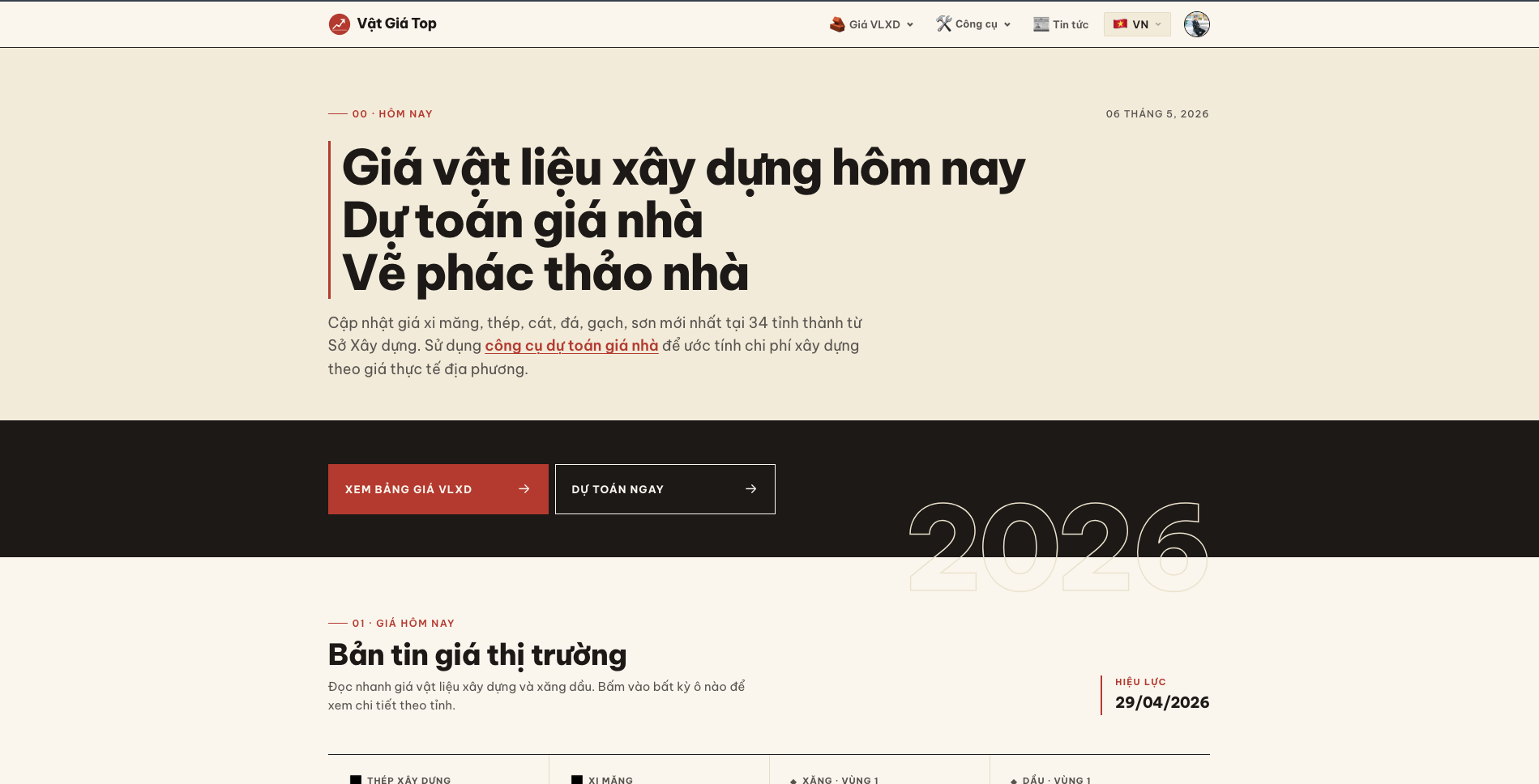
Building-material prices across 34 provinces, plus a house-construction cost estimator that takes two minutes.
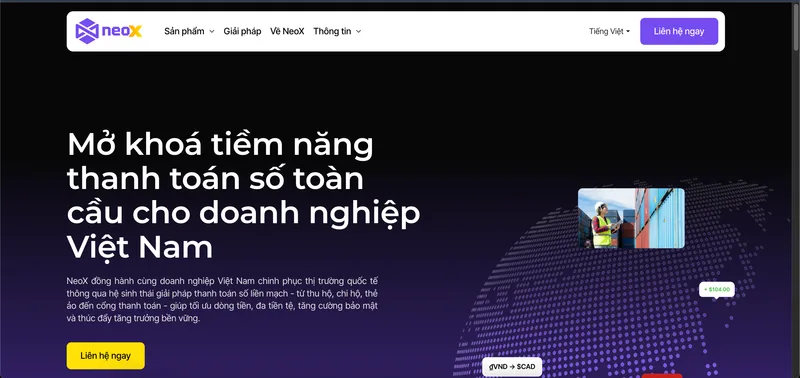
Automated transaction reconciliation and bank API integration — replacing manual matching.
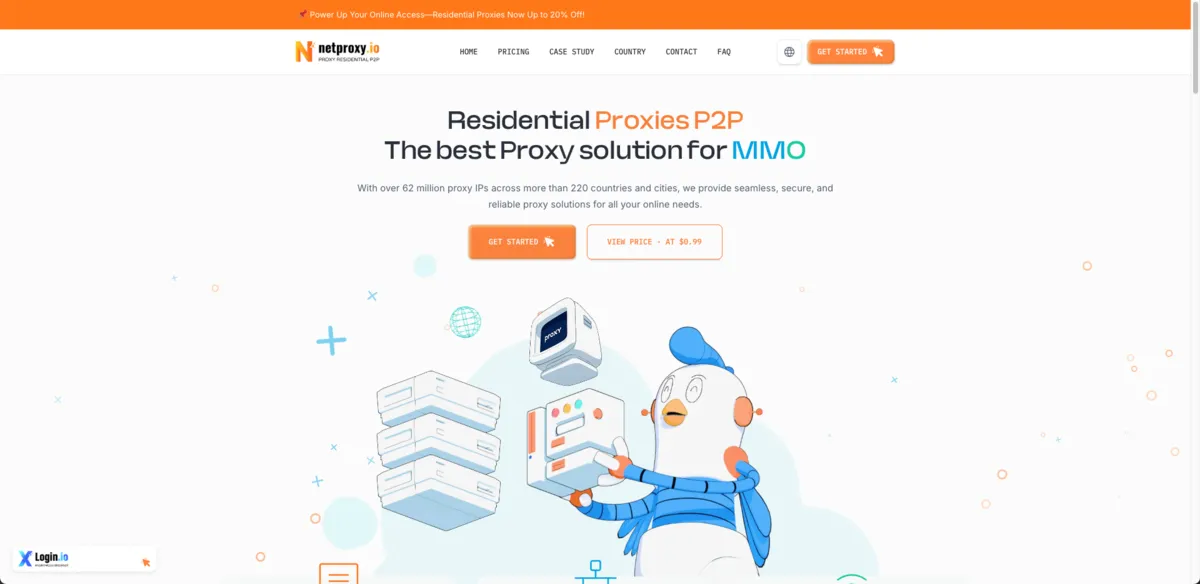
Proxy pool management, automatic IP rotation and realtime monitoring — the backbone of data-collection tools.
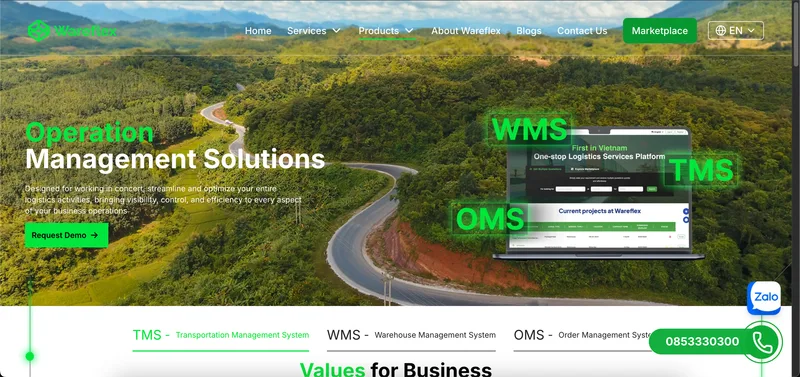
Warehouse, transport and order management for multiple roles — the Excel replacement, at scale.
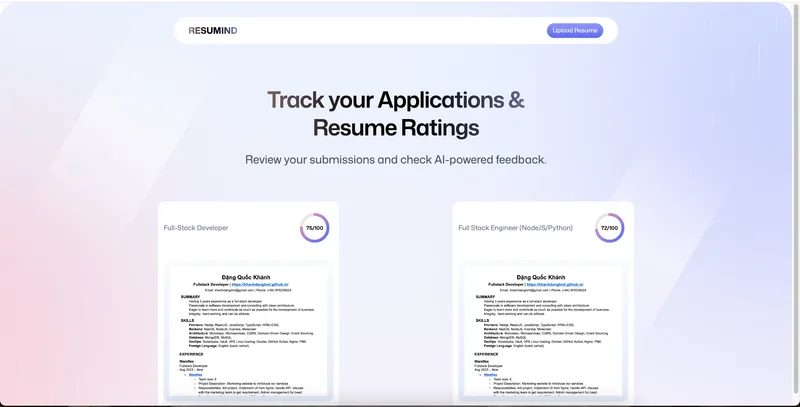
Uses AI to read CVs, match them against job descriptions and produce a detailed assessment.
HOW WE WORK
Describe what you do by hand: which page you open, what you click, what you copy where. Screenshots or a sample file help a lot.
Mohy proposes the type of tool, scope, timeline and cost for you to review before deciding.
You try it on real work, give feedback and we adjust before finishing.
We hand over the tool and show you how to use it. Support and maintenance after handover are agreed in the proposal.
START WITH ONE TASK
No technical spec needed. Write it the way you would brief a new team member.
Or reach us quickly:
BEFORE YOU START
It depends on how many steps are automated, the data sources and the number of users: a single-purpose extension is different from a multi-user management tool. Mohy quotes after reading your brief and before any work starts. Changes outside the agreed scope are flagged before they are made.
Describe it as you would to a new hire: which page you open, where you click, what you copy where, and who receives the result. A short screen recording or a few screenshots are usually enough.
Automating third-party platforms can breach their terms. Mohy prefers official APIs, assesses the risk before building and does not build spam tools or anything that bypasses platform limits. Any risky part is explained so you can decide.
It can. Tools that read web pages depend on those pages’ structure. Mohy builds them to be easy to fix and to report an error when data cannot be read, rather than silently returning wrong results. Maintenance scope is agreed in the proposal.
It depends on the tool. Extensions install straight into Chrome. Scheduled tools may need a small server or an existing service such as Google Apps Script. Mohy suggests the option with running costs that suit your needs.
Sample data is enough while we discuss. Ownership of the source code, accounts and where data is stored are written into the proposal before work starts.